The hard part of MCP was deciding what AI can touch
MCP server security starts with deciding what an AI assistant can read and change. Here are the questions I use across five products.

Adapted from my LinkedIn post originally shared on 2026-11-17. This journal version was prepared on 27 November 2026.
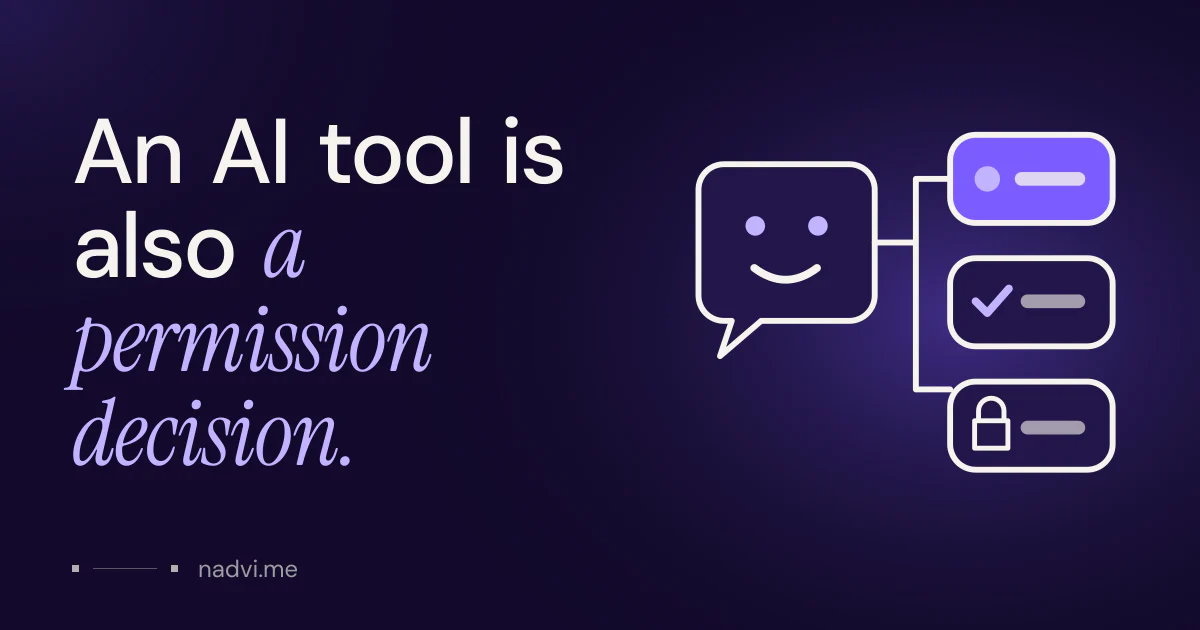
I have worked on MCP in five products. The tools were the easy part. The harder question for MCP server security was what an AI assistant should be allowed to touch.
Model Context Protocol gives an assistant a way to use tools and information exposed by another system. That connection is useful, but the existence of a tool does not answer whether a person wants the assistant to read, change, or send something through it. MCP permissions have to fit the product and the consequences of the action.
Five products, different answers
In the original post, I described the approaches we were using across ThinkRank, StoreSEO, BetterShield, BetterDocs and ReplyPlex. These are snapshots of product decisions at that time, not a promise that every version or configuration behaves identically today.
- ThinkRank: assistants could work on SEO on a live WordPress site, with access separated by area and changes logged with a way to revert them.
- StoreSEO: a merchant could preview proposed SEO changes before publishing.
- BetterShield: security information could be exposed through opt-in, read-only abilities.
- BetterDocs: the assistant acted with the user’s permissions and approval.
- ReplyPlex: an assistant could triage and draft, while sending email was deliberately not exposed as a tool.
They do not all need the same confirmation screen or the same set of tools. Reading a security finding, changing a page, and sending a customer an email have different costs when they go wrong.
Start with three questions
For each capability I ask: What can it read? What can it change? How does a person recover if it gets something wrong?
The first question includes scope. Does the assistant need all customer conversations or only the one the person is working on? The second includes authority. Can it make a draft, make a change, or publish it? The third includes the uncomfortable cases: what is logged, what can be reversed, and what happens when it cannot be undone?
I also want the person using the assistant to understand when an action is about to affect a live product. Preview and approval can help, but they are only useful when they show enough context to make a decision.
No tool is a product decision too
It can be tempting to expose every existing API because the integration is technically possible. Sometimes the safer and clearer choice is not to expose an action at all. A draft can still save a support team time even when a person sends the final reply.
MCP is a way to connect systems. The product work is deciding what that connection should allow, explaining it clearly, and taking responsibility for the result. For how I use AI in my own work, see AI does the typing. I still own the decision.
Turn those questions into a review
For each tool, write down the information it can read, the action it can take, and the identity and permissions it uses. Separate read-only actions from changes to a live site or customer communication. Decide what the person needs to review before an action, what is recorded afterwards, and how access can be removed.
Then test the boundary. Try an allowed action and a denied one, confirm the log describes what happened, and check that a preview or approval actually applies to the action being taken. If an action has no reliable undo, that affects whether it should be available at all.
The OWASP MCP security testing guidance discusses separating permissions according to the risk of each tool.
The user workflow matters just as much as the permissions. I wrote about that in what ThinkRank users asked to do with Claude.
For the broader day-to-day work, including writing agent instructions and evaluating outputs, see five AI product manager habits.
Questions, answered.
It includes controlling which clients and users can access tools and data, what each tool may do, and how actions are approved, logged and reviewed.
The right control depends on the action. Reading a non-sensitive setting and sending a customer message have different consequences, so assess the data and the action separately.
No. Recovery depends on the product and the action. Verify what can actually be reversed and decide how to handle actions that cannot be undone.